▦01
Counter-ready billing
Keep checkout quick even on the busiest day.
- Barcode and quick billing
- GST invoices and receipt printing
- Discounts, schemes and returns
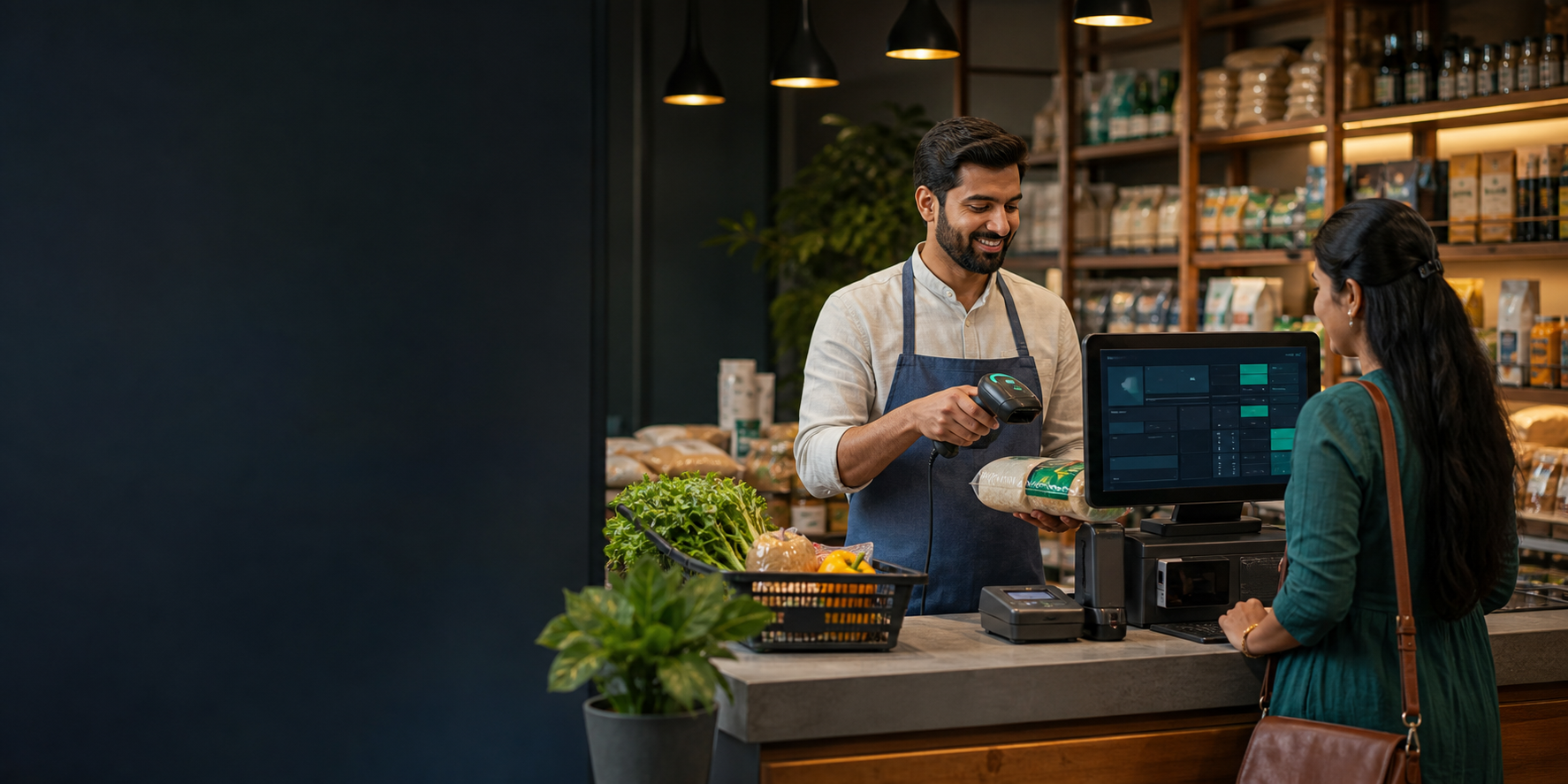
Eazoria connects the checkout counter with stock, purchasing, accounts and owner reports—so a sale updates the entire business instantly.
Queues caused by slow or complex billing
Stock differences between shelf, counter and system
Missed reorders, expiry losses and unclear margins
Every module shares the same data, permissions and audit trail. Work entered once becomes useful everywhere.
Keep checkout quick even on the busiest day.
See stock by item, batch and location.
Turn every sale into reliable business insight.
Here is a practical example of how Eazoria fits into normal operations.
Cashier signs into desktop POS and confirms the opening stock and printer.
Barcode scan builds the GST invoice; payment and receipt complete the sale.
The sold quantity leaves the selected godown and low-stock rules are checked.
The owner opens the web dashboard to review sales, margins, cash and exceptions.
Use desktop POS at each checkout for fast keyboard, scanner and receipt-printer operation.
Scanner · Printer · Keyboard · Local licenseUse the web ERP for purchasing, stock control, user management and owner dashboards from anywhere.
Browser access · Teams · Live reportsWe’ll map your current process, show the matching web and desktop flow, and answer implementation questions.